
Digital Wedding Menu Card: Create, Share and Get Client Approval
A digital wedding menu card replaces printed menus and long chat threads. Learn how caterers create, share on WhatsApp and get client approval using wedding menu software.
November 12, 2026
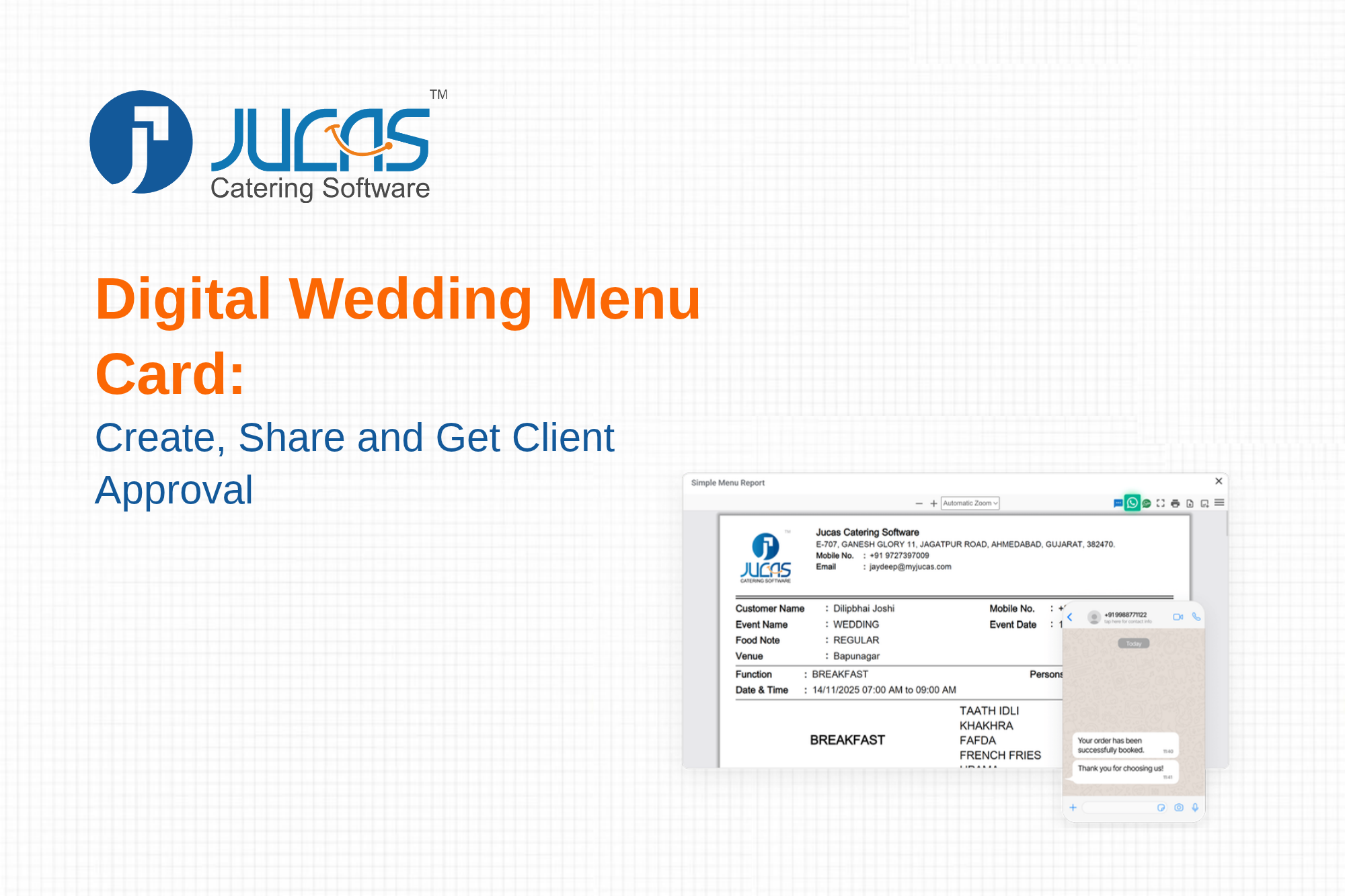
A digital wedding menu card is a clean, shareable version of the wedding menu that a client can open on a phone, review and approve. It replaces handwritten lists, blurry photos of notebooks, screenshots and repeated phone calls. If you already use wedding menu software, the menu card is generated directly from the menu you built, so there is no retyping and no risk of the card disagreeing with the quotation or the kitchen sheet.
This guide explains what a good digital menu card contains, why caterers are moving away from printed and handwritten menus, how to create and share one step by step, how to get approval that you can rely on later, and the mistakes that cause disputes.
What Is a Digital Wedding Menu Card?
A digital wedding menu card is a formatted document or web page that lists every dish for every function of a wedding, along with event details such as the client name, date, venue, guest count and service timing. It is usually shared as a PDF or link on WhatsApp or email. In better systems it is generated automatically from the menu stored in your catering management software, which means any change to the menu updates the card.
It is different from a printed menu placed on tables on the wedding day. That card is a guest-facing decoration. The digital menu card discussed here is a working document between caterer and client, used to agree what will be served.
Why Caterers Are Moving to Digital Menu Cards
Speed and responsiveness
Clients often ask for a menu while still comparing caterers. If you can send a professional card within minutes of the meeting, you stand out from competitors who say they will send it tomorrow.
One source of truth
When the menu card, quotation, purchase list and kitchen sheet are all created from the same menu, there is no room for the card to say one thing and the kitchen to cook another. This is one of the most common causes of event-day arguments.
Easy revisions
Families revise menus many times. With a digital card, you change the dish and share the updated version immediately, with the version number and date visible.
A written record
A shared card with a recorded approval gives both sides a clear reference. It does not replace a contract, but it greatly reduces confusion about what was agreed.
Professional branding
Your name, logo and contact details on every card build recognition. A good-looking card signals that the rest of your operation is equally organised.
What a Good Digital Menu Card Includes
- Client and event details: client name, event name, date, venue and approximate guest count.
- Function-wise sections: haldi, mehendi, sangeet, wedding and reception, each with its own timing and dish list.
- Dishes grouped by course: welcome drinks, starters, main course, breads, rice, desserts, live counters and beverages.
- Diet labels: Jain, regular, vegan or other special notes per function.
- Special requests: items added at the family's request, clearly marked.
- Version and date: so the latest card is obvious.
- Business details: your name, logo, phone and email.
- Terms note: a short line stating that changes after a cut-off date may affect price and availability.
How to Create and Share a Digital Menu Card Step by Step
Step 1: Build the menu in your system
Pick dishes from your library for each function and set guest counts. See wedding menu software for Indian caterers for features that make this fast, and wedding function menu planning for how to structure each function.
Step 2: Check cost per plate
Before you share anything, confirm your margin. Use the catering cost calculator and read wedding catering cost per plate in India.
Step 3: Generate the card
Create the menu card from the menu with your branding. Review it as the client would: is the language clear, are dish names understandable and are diet notes visible?
Step 4: Share on WhatsApp
Most Indian families prefer WhatsApp. Send the card with a short, polite message. For tips on tone and timing, read WhatsApp for catering businesses. If your system supports it, use the built-in WhatsApp, email and SMS feature so that messages are logged with the order.
Step 5: Send it with the quotation
A menu without a price invites repeated back-and-forth. Share the card along with a clear quotation. See how to create a quotation that wins more clients and the quotation feature.
Step 6: Collect changes in one place
Ask the family to send all changes together, ideally through one contact person, rather than from many relatives. Update the menu once and send version 2.
Step 7: Get approval
Ask for a clear confirmation, either a written message or an online approval. With online menu approval, the confirmation is recorded against the order with date and version, so you do not depend on scrolling through chat history later.
Step 8: Lock the menu
After approval, lock the menu. Any later change should be handled as a recorded revision, with the impact on price and preparation time noted.
Best Practices for Menu Cards That Prevent Disputes
- Use plain, specific dish names. Replace vague names with clear descriptions where needed.
- Show quantities or service style where relevant. For example, mention live counters and number of items per course.
- Separate functions clearly. Never mix dishes from different functions in one list.
- Record the approval date. It settles most disagreements about what was agreed when.
- Set a cut-off for final changes. Tie it to purchase and prep timelines. See the catering contract format for clauses to include.
- Keep every version. If the family claims they asked for something, you can show the history.
Digital Menu Card, Contract and Quotation: How They Fit Together
The three documents do different jobs. The quotation states price. The menu card states what will be served. The contract states the terms, including payments, cancellations, cut-off dates and liabilities. Your menu card should be referenced in the contract as an annexure so that it forms part of the agreement. Consult a legal professional for wording that suits your situation, since the requirements differ between businesses and events.
Connecting the Menu Card to the Kitchen
The real value of a digital card appears after approval. The same menu drives raw material requirements, purchase lists, kitchen production sheets and dispatch plans. When the family changes a dish two days before the event, the update reaches the kitchen through the system instead of through a phone call that may be forgotten. Read catering kitchen production planning and the wedding catering checklist to see how this fits the whole event cycle. To estimate quantities, use the food quantity per person chart.
Design Tips for a Menu Card Clients Actually Read
- Keep it to a few pages. Long documents are skipped.
- Use a readable font size, since most clients open it on a phone.
- Use consistent headings for each function.
- Keep colours simple and match your brand.
- Put the most important information, such as date and venue, at the top.
- Avoid crowding. White space helps readability.
Common Mistakes with Digital Menu Cards
- Sending a card that does not match the quotation.
- Accepting changes by voice note and not updating the card.
- Not labelling versions, so clients compare old and new cards.
- Forgetting diet labels, which leads to service errors on the day.
- Sharing before checking costs, then having to raise the price later.
- Letting several staff create cards manually with different formats.
Digital Menu Cards for Different Types of Events
The same approach works beyond weddings. Corporate events, birthdays, religious functions and community gatherings all benefit from a clear written menu. Corporate buyers in particular appreciate a clean card they can forward internally. See catering software for corporate and bulk meal catering. Smaller caterers can start with a simple template and improve it over time, as described in catering software for small caterers and home kitchens.
How Jucas Helps
Jucas builds menu cards directly from the menu in your account, shares them through WhatsApp, email or SMS and supports online approval, so the card, quotation and kitchen sheet stay in sync. It is part of a complete platform that also handles orders, inventory, staff and payments. Explore Jucas catering management features.
FAQs
Is a digital menu card legally binding?
It serves as a written record of what was agreed, but whether it is binding depends on your contract and local law. State how menu changes are handled in your contract. See the catering contract format and consult a legal professional for your specific case.
Can I add my logo and branding?
Yes, most tools let you add your logo, colours and contact details to the card.
Can I send it in Hindi or Gujarati?
Language support depends on the tool. Ask your vendor how regional languages are handled for dish names and headings.
What if the client wants a change after approval?
Record it as a revision, update the card with a new version number and confirm any change in price or timeline before accepting it.
Do I still need a printed menu?
You may still print menus for display at the venue, but the digital card should remain the working document for agreement.
Want to see how it works in practice? Book a free demo or check pricing.
TABLE OF CONTENT